

Building Information Modeling (BIM):
The Complete Guide for 2026
The construction industry is in the middle of a digital revolution — and Building Information Modeling (BIM) is at the centre of it. Whether you're an architect designing a hospital, a structural engineer coordinating utilities, or a construction manager overseeing a $500M build, BIM is no longer optional. It's the language of modern construction.
Yet many firms still treat BIM as just "3D CAD". That's a costly misconception. BIM is a data-rich, collaborative process that spans the entire lifecycle of a building — from the first sketch to decades of facility management. This guide breaks down exactly what BIM is, why it matters, and how your firm can implement it effectively right now.
What is Building Information Modeling?
BIM stands for Building Information Modeling — a process for creating and managing digital representations of physical and functional characteristics of a building. Think of it as a shared knowledge resource for information about a facility, forming a reliable basis for decision-making from the earliest concept phase through demolition.
Unlike traditional 2D drawings, a BIM model is intelligent. Every wall, beam, window, and pipe carries embedded data: material specifications, cost estimates, energy performance ratings, and maintenance schedules. Change the height of a wall, and the ceiling area, door schedules, and structural loads update automatically.
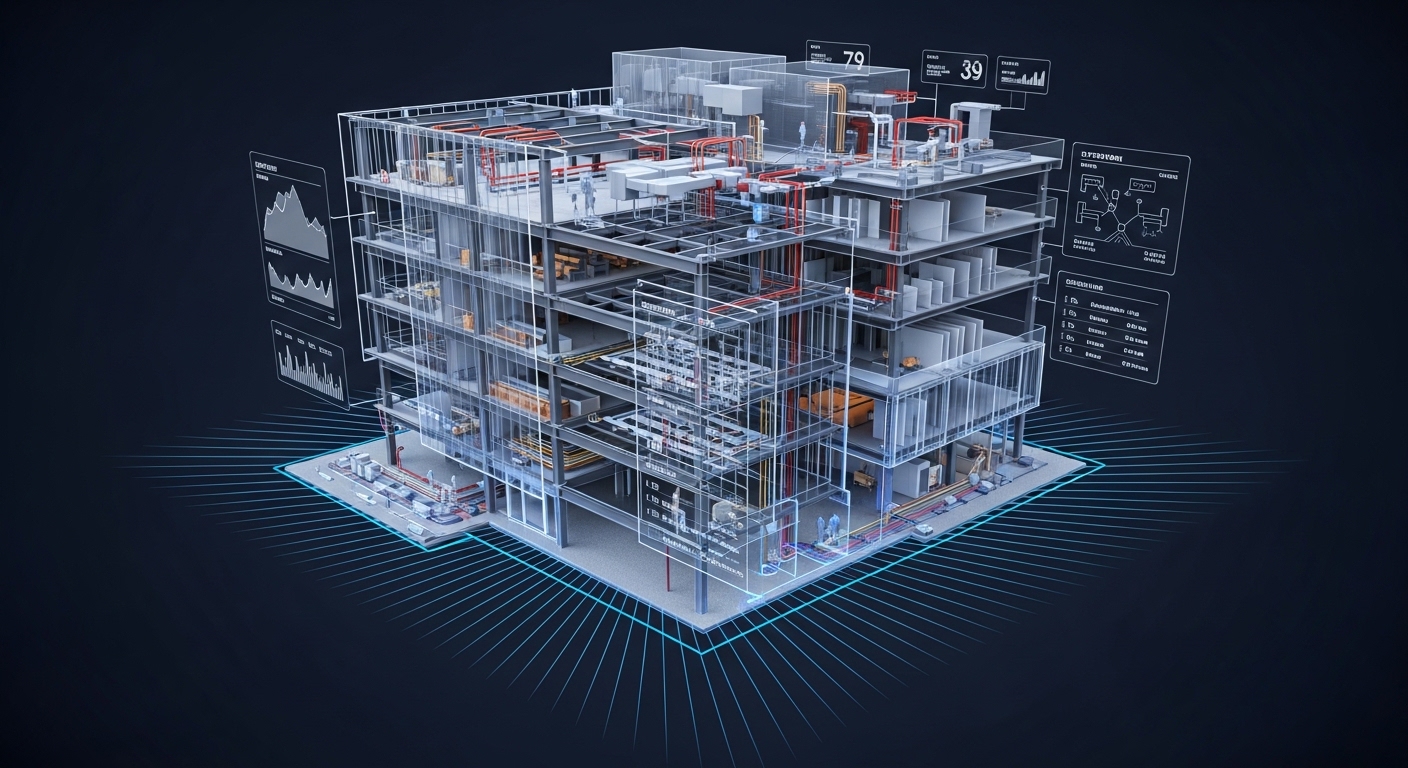
BIM Dimensions:
Geometry & Spatial
Sequencing & Schedule
Cost & Quantity
Sustainability
Facility & Asset Management
Why BIM Matters: The Business Case
The numbers are impossible to ignore. According to industry research, firms using BIM report up to a 20% reduction in project costs and a 50% reduction in rework. For large infrastructure projects, those figures translate into millions of dollars saved and months recovered on schedule.
Beyond the savings, BIM fundamentally changes how teams collaborate. Instead of siloed drawings passed between disciplines, everyone — architects, MEP engineers, structural engineers, contractors, and owners — works from a single federated model. Clashes are caught in the digital world, not on the job site.
- Faster design iteration and approval cycles
- Reduced requests for information (RFIs)
- More accurate cost estimates early
- Streamlined permitting with model-based docs
- Improved client communication via 3D walkthroughs
The BIM Software Landscape
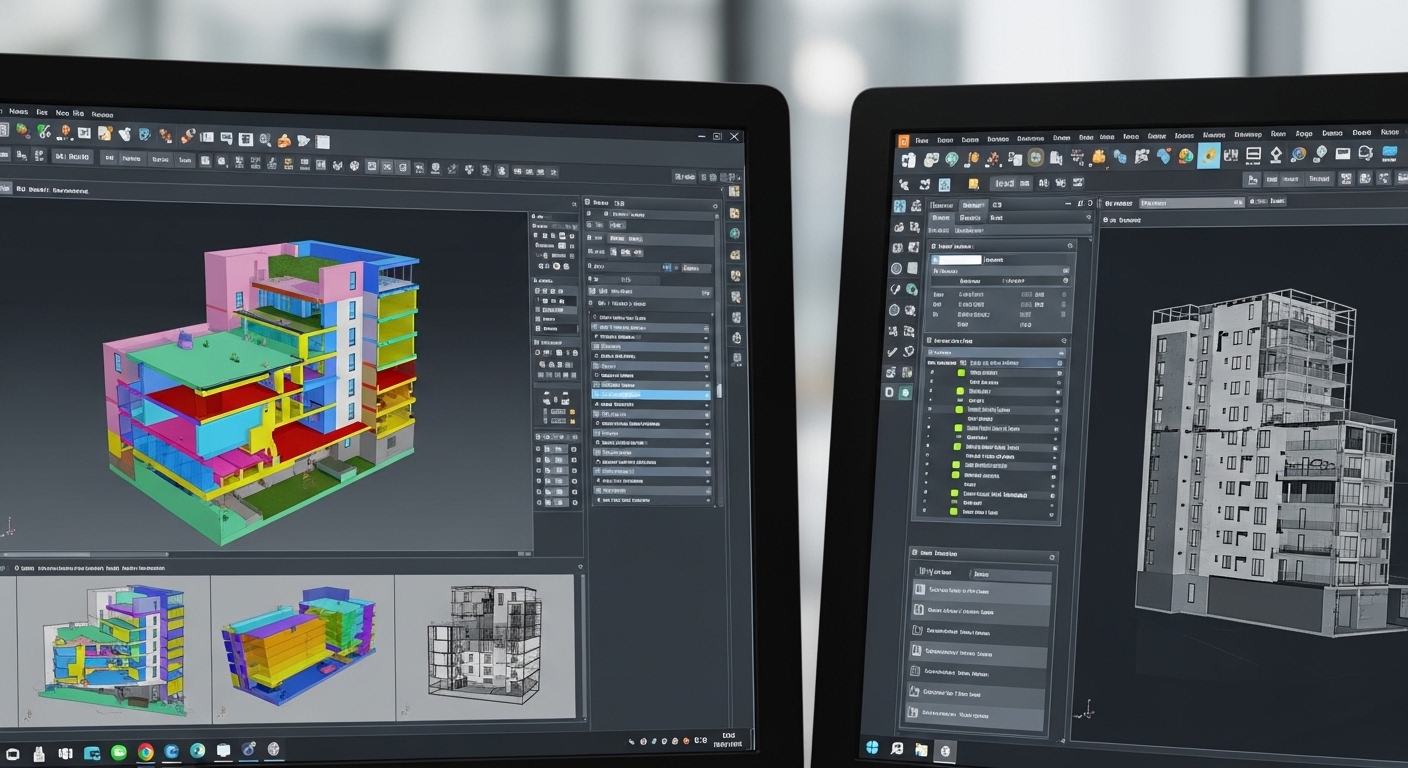
The BIM software market is crowded, but a few platforms dominate. Your choice depends on discipline, project type, and team size.
"Autodesk Revit remains the industry standard for architectural and structural design. Its parametric modeling engine and deep integration with Autodesk Construction Cloud make it the default choice for most AEC firms."
Autodesk Revit
Architecture & MEP
Standard for complex parametric modeling and cloud collaboration.
Autocad
2D Drafting & Design
The industry standard for 2D drafting and documentation.
Stadpro
Structural Analysis & Design
The industry standard for structural analysis and design.
Sketchup & 3ds Max
Visuals & Landscapes
Specialized design-forward workflows including 3ds Max and Sketchup.
BIM Implementation Roadmap
Transitioning to BIM is a project in itself. Use this roadmap to structure your firm's rollout:
Phase 1: Assessment
- Audit current software/hardware
- Define BIM goals & vision
- Identify BIM champion
- Establish BEP template
Phase 2: Infrastructure
- Upgrade workstations (32GB+ RAM)
- Set up cloud environment
- Align LOD & clash detection
Phase 3: Training
- Accredited training courses
- Low-risk pilot project
- Document lessons learned
Phase 4: Full Rollout
- Apply BIM to all projects
- Review ISO 19650 standards
- Track ROI (RFIs, rework)